Driver experience
Built for the person behind the wheel.
A primary driver experience designed to be quick to understand, simple to use and personalized to each driver.
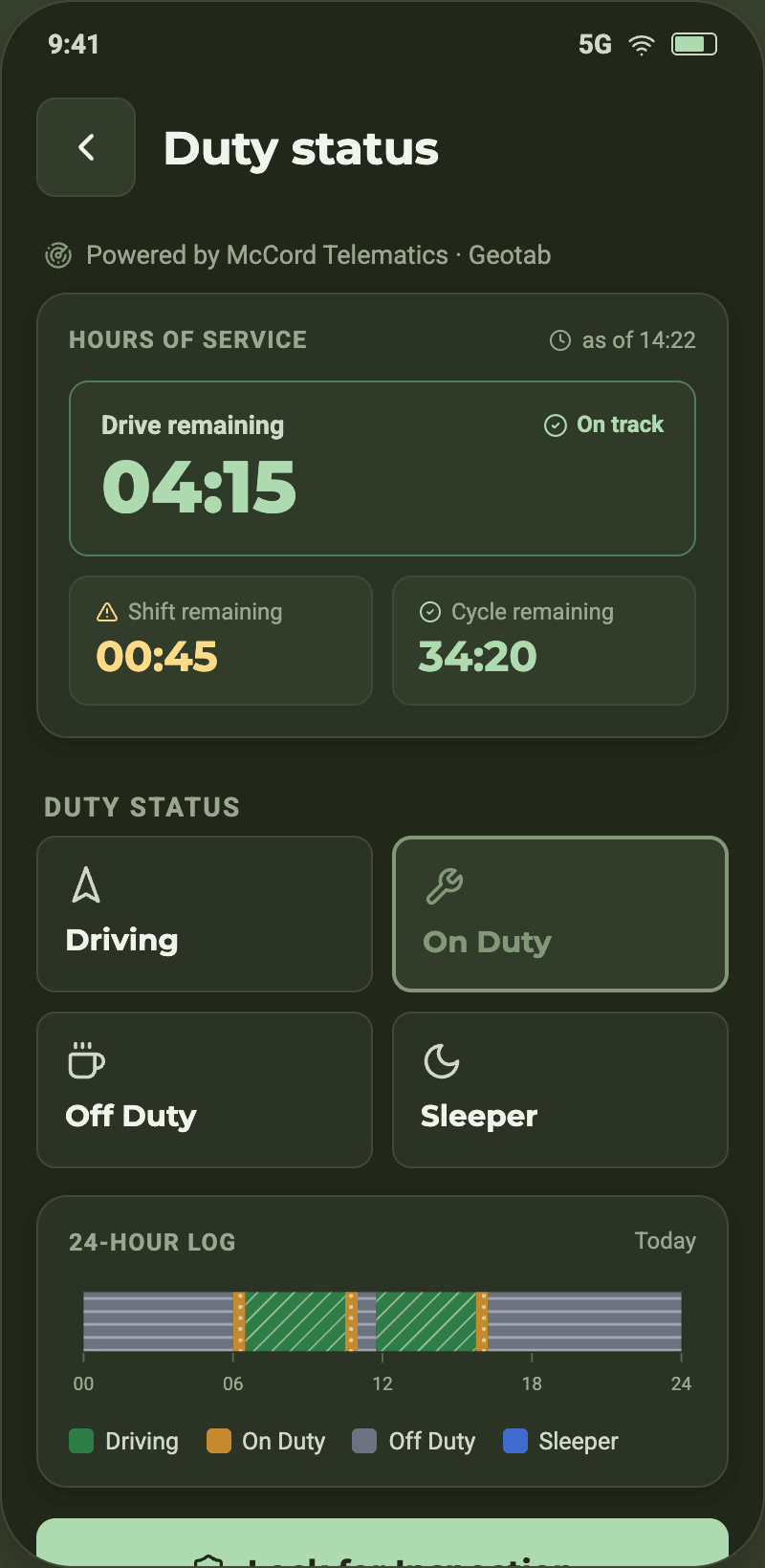
Hours that are already counted.
ELD and HOS are part of the app, not a second system: remaining drive time, shift and cycle stay visible, and duty status moves between Driving, On Duty, Off Duty and Sleeper as the day changes.
One device. Multiple drivers.
A phone or tablet can stay in the truck. Different drivers can sign in on the same device, while each sees their own fleets, vehicles and permissions.
Less setup. Less friction.
Passwordless onboarding, fleet access and a simple vehicle setup designed to get drivers connected quickly.
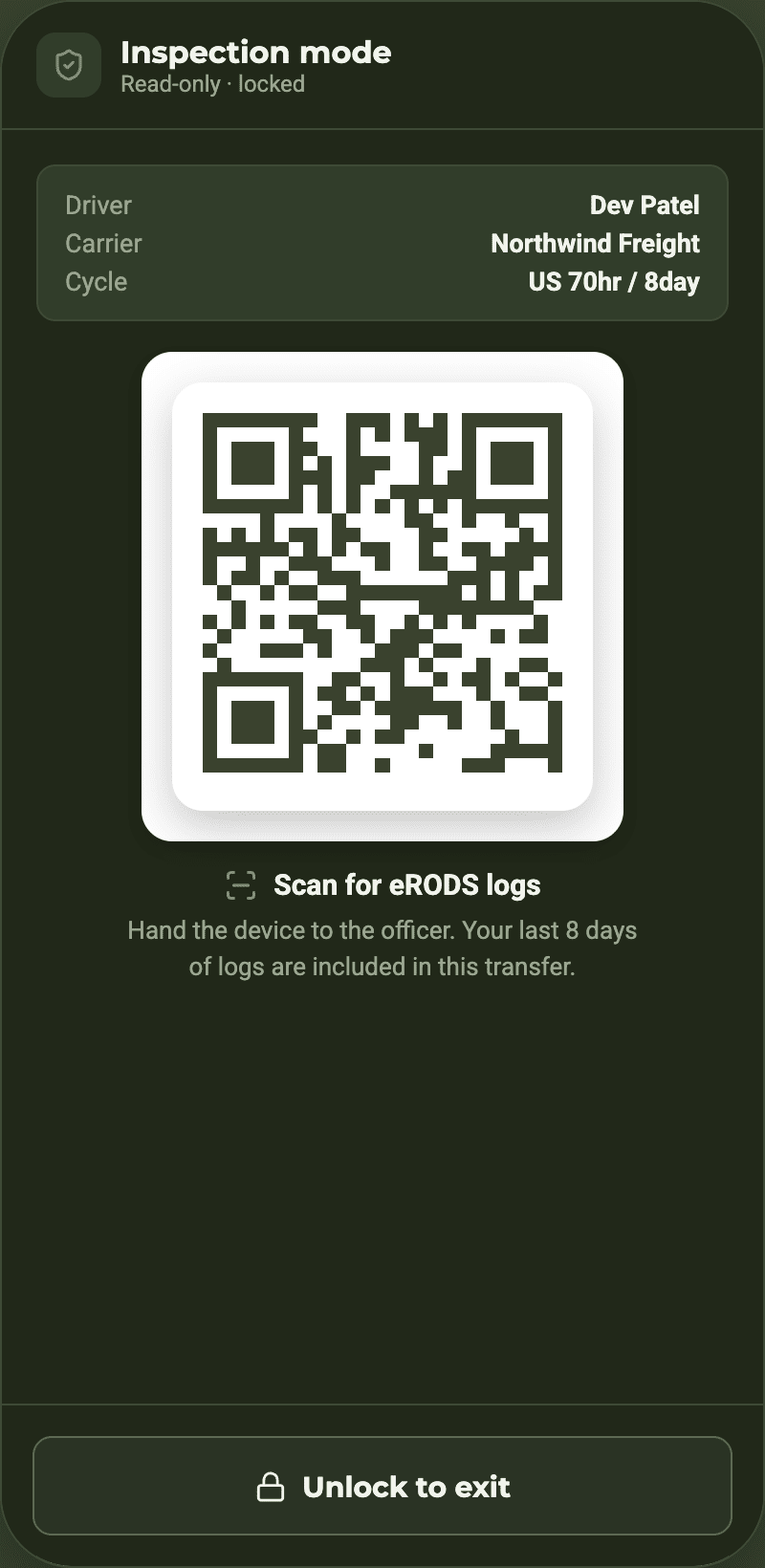
Inspection mode, ready when it's asked for.
Inspection mode presents the driver's logs for review, and eRODS logs can be handed over by scanning a code — without digging through paperwork at the roadside.
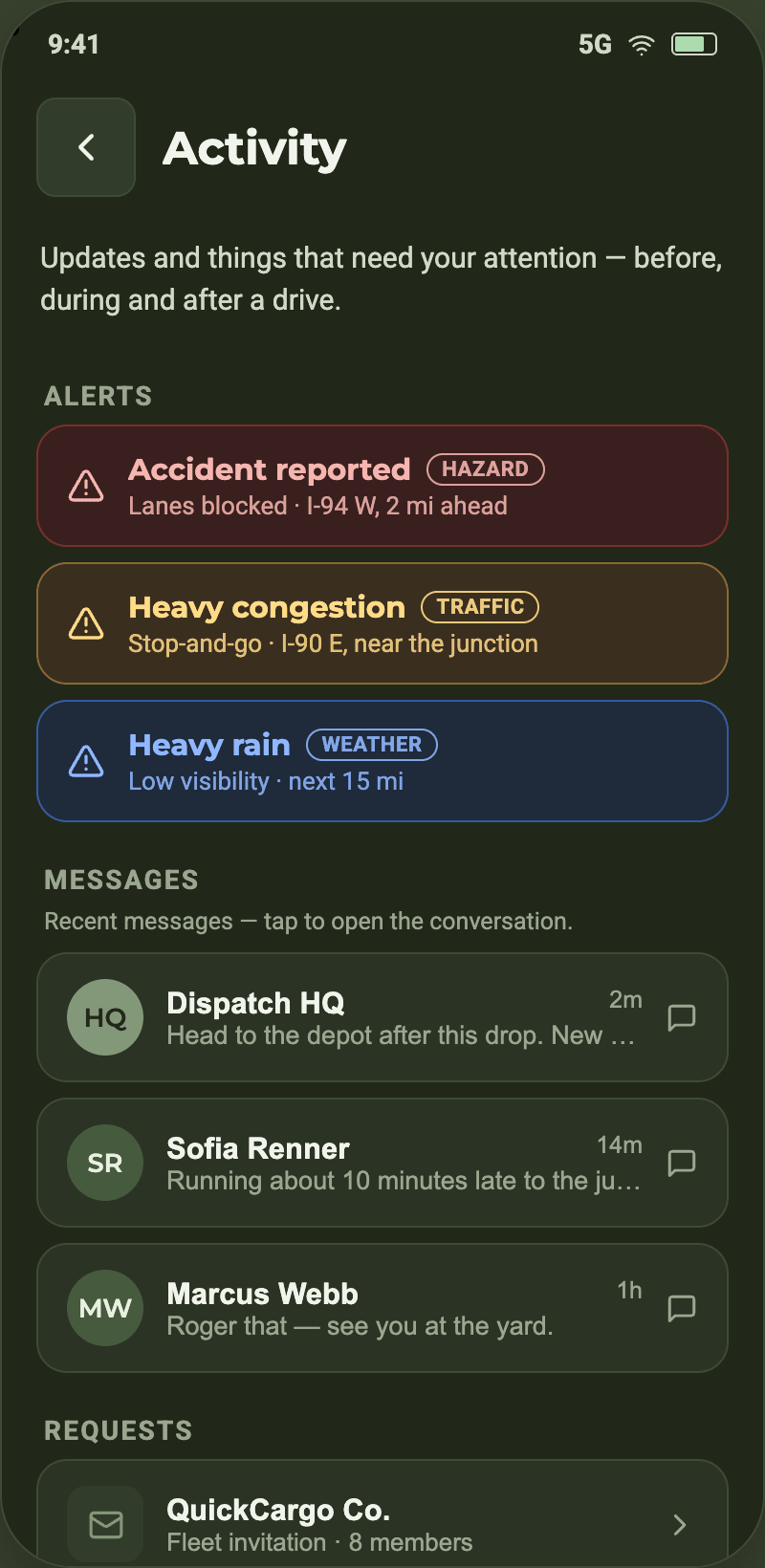
Alerts, messages and fleet — in the same app
Everything a driver reaches for during a shift is one tap away.
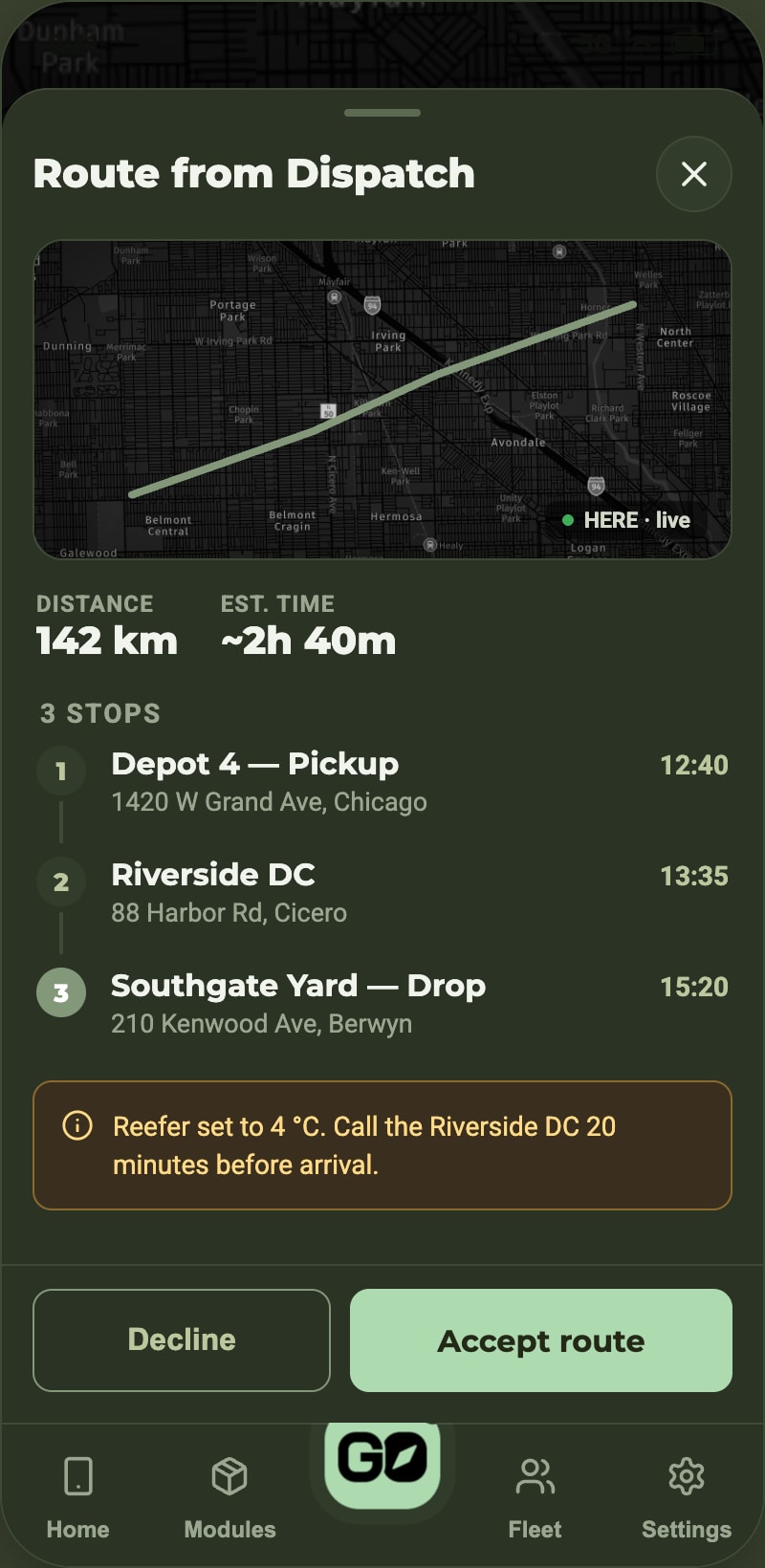
Route from dispatch
Review the assigned route with map context, then accept and drive.
Hours
Drive time, shift and duty status stay visible throughout the day.
Alerts
Road and weather conditions relevant to the corridor ahead.
Messages
The fleet desk, with documents attached to the same thread.

AiDEN GO for drivers
Mobile access for drivers, with store availability to follow.